New features.
Rain or shine.
Live local weather forecasts in your images, Timer Studio, interactive scratch-off experiences, and a completely redesigned UI that's cleaner, faster, and built to get you from idea to live campaign in minutes.
The biggest updates yet
New creative tools, a brand new interactive feature, and live local weather in every image.
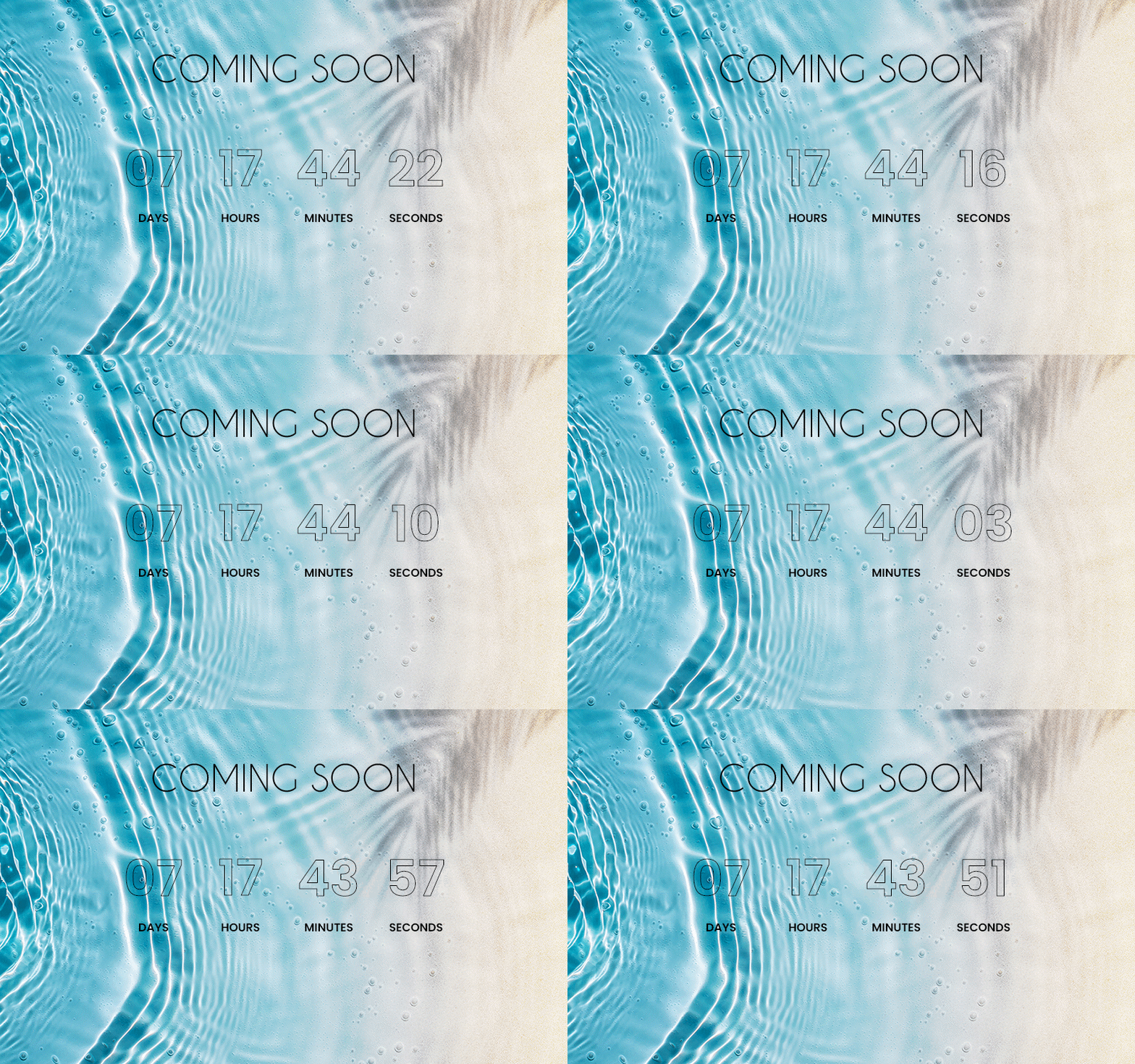
Timer Studio
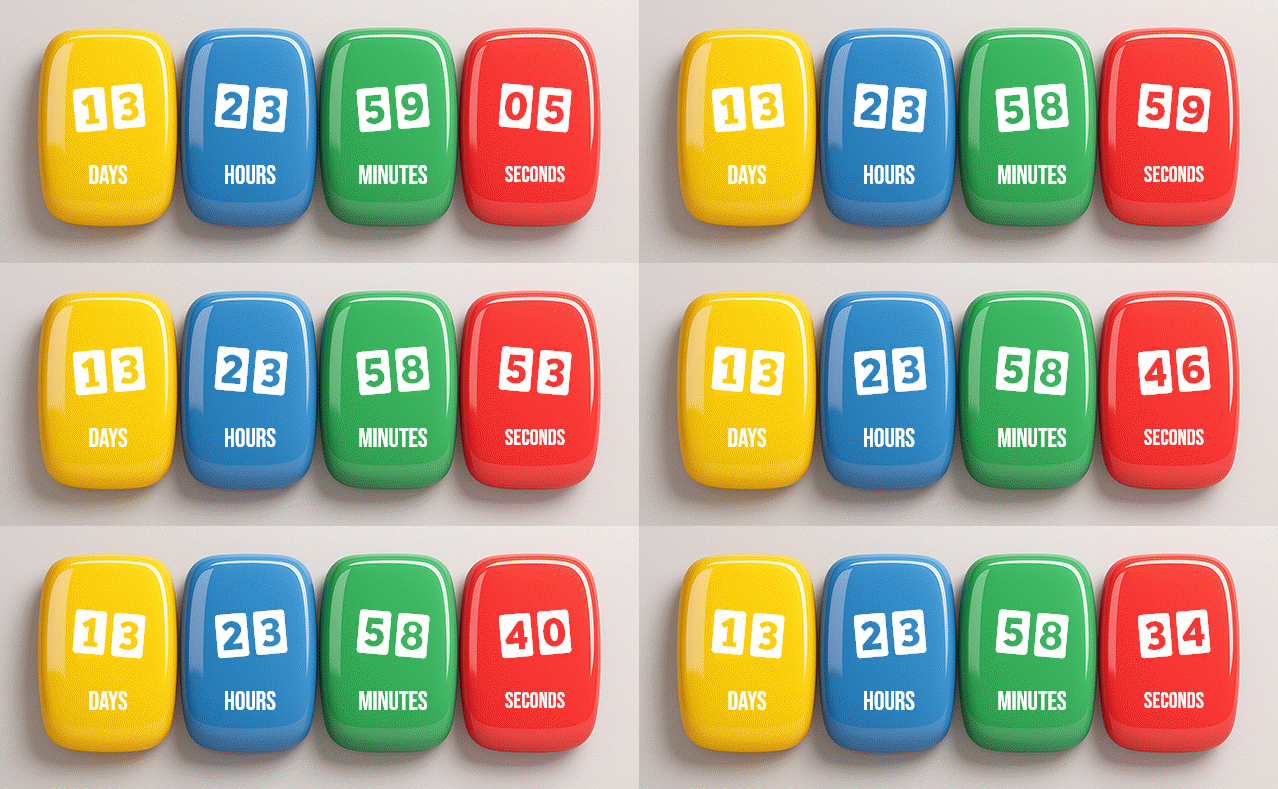
A full design canvas for countdown timers. Drag-and-drop layers, custom fonts, animations, progress charts, and more.
Scratch-Off Experiences
Interactive scratch-to-reveal landing pages. Gamify your emails with personalized offers, rewards, and surprises.
Live Local Weather
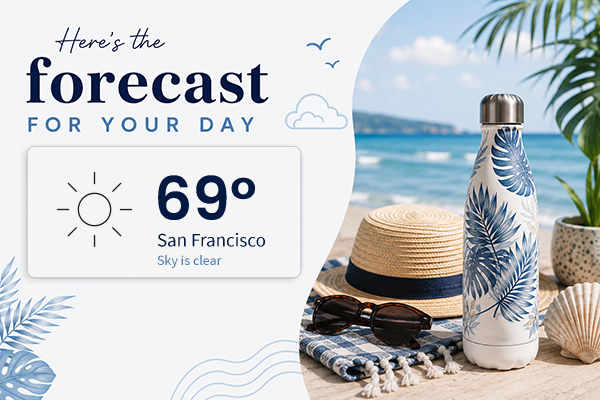
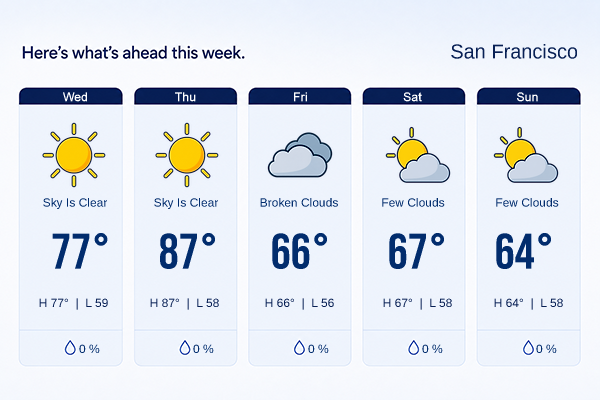
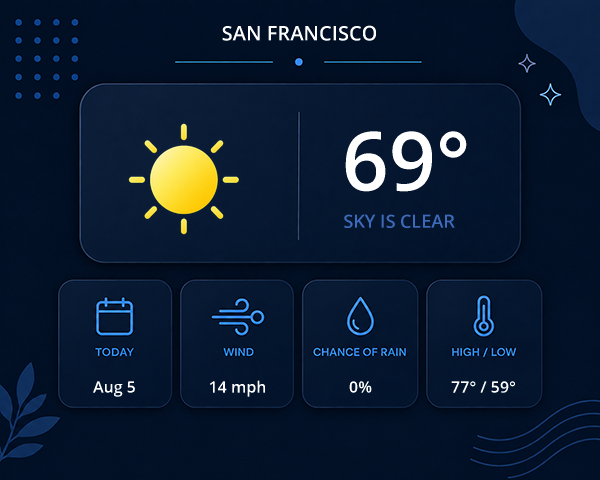
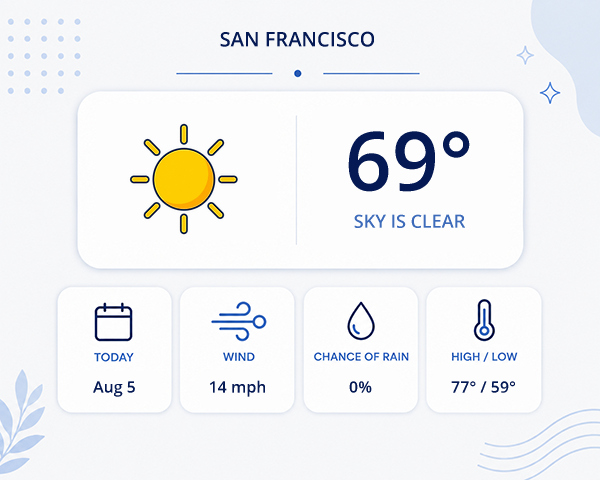
Real forecasts rendered in your images at the moment of open. Weather text, icons, and rules — personalized to each recipient's location.
Retina Images: Sharp Text on Phones and Retina Screens
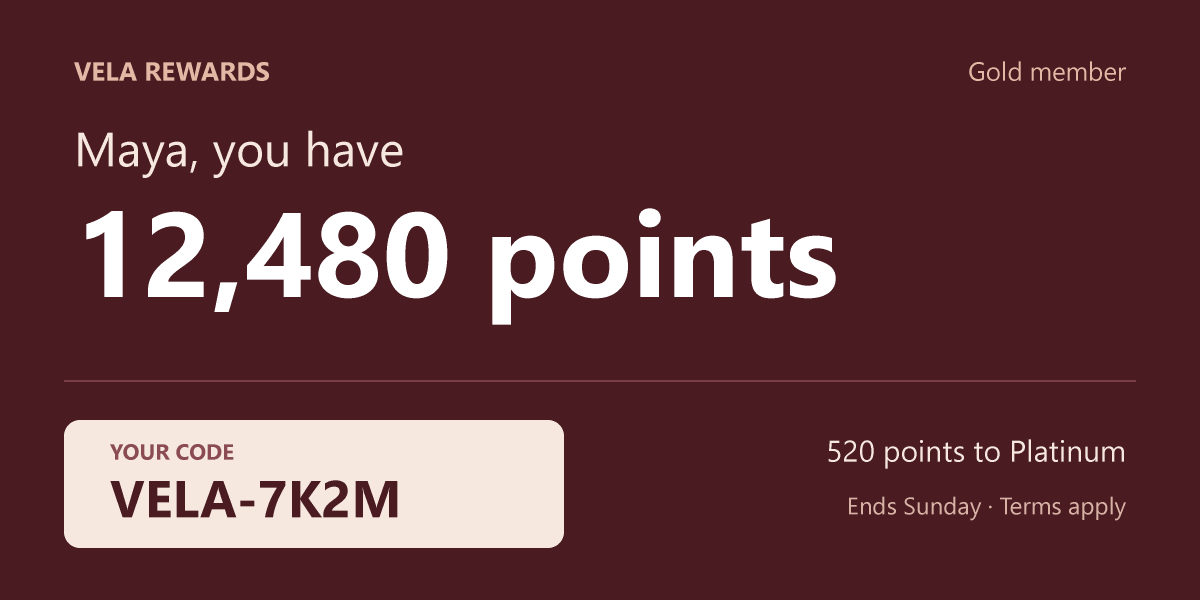
Phones and Macs stretch a normal image to fill their high-density screens, and the text in it goes soft. Turn on Retina for a Personalized Image and it goes out with twice the pixels, so names, prices, points and codes stay crisp. You keep designing at the size the email shows. We scale it and add the pixels, and the HTML we give you already has the right width. Retina Images is included in Scale, Business and Enterprise.
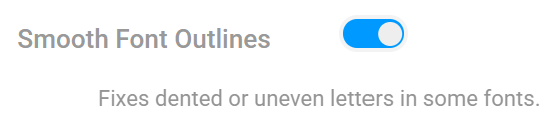
Smooth Font Outlines for Custom Fonts
Some brand fonts come out with a dented or uneven character, like a notch inside the zero in a price. The font file carries its own instructions for fitting letters to the pixel grid, and in some custom fonts those instructions bend a curve out of shape. Turn on Smooth Font Outlines for that text layer in a Personalized Image and we draw each letter from the shape the type designer made.
Slides: An Animated Image Made for Each Subscriber
Anyone can turn a few pictures into a GIF, and every subscriber gets the same one. Slides makes a separate animation for each recipient. One slide greets them by name, the next shows their member price, the next their own code. It goes into your email like any other image, and its opens and clicks are reported the same way.

Live Local Weather Forecasts
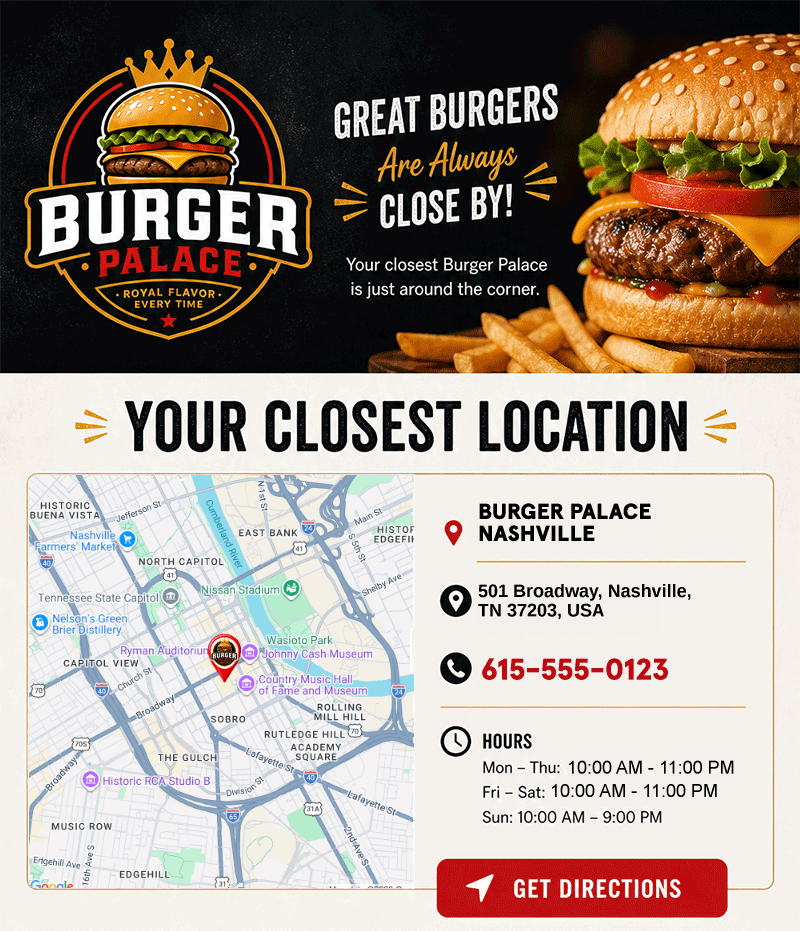
Every recipient sees their own local weather, live at the moment they open your email. New Weather Text and Weather Icon layers put real forecasts on the design canvas — pass each recipient's zip code or coordinates in the image URL for the most accurate forecast, and if you don't have them, we'll detect the location automatically. Pick a ready-made starter template and a weather-powered design opens in the designer already wired to live forecasts.
Connect Your AI to NiftyImages
NiftyImages now hosts a Model Context Protocol (MCP) server, so any MCP-capable AI — Claude, ChatGPT, Codex, Cursor, and anything else that speaks the open standard — can work with your Data Stores conversationally. Ask for counts, update records, import CSVs — no SQL, no exports, no developer in the loop. And because Data Stores power live images, a record your AI updates in chat changes what recipients see on the next open.
Base64-Encoded Merge Tags
Keep personalized values out of plain sight. Text, Number, and Date merge tags can
now declare that the incoming URL value is Base64-encoded — so names, points
balances, and offers are no longer readable (or editable) directly in the image URL.
Values are decoded server-side before formatting, and it pairs naturally with ESP
encode filters. In Braze, use
{{custom_attribute.${name} | base64 | url_param_escape}}
so encoded values survive URL escaping.
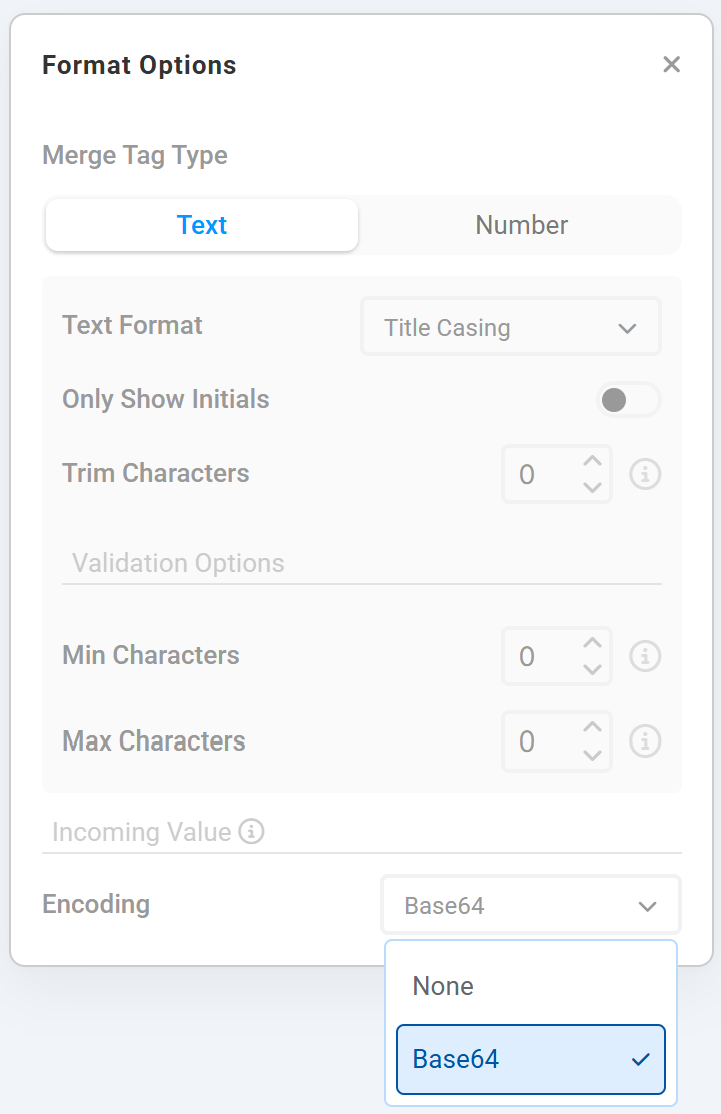
Image Effects
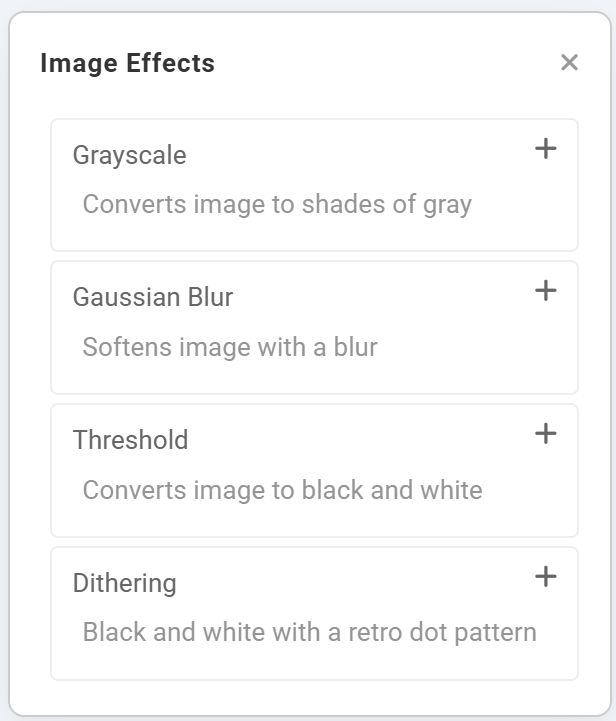
Restyle any image layer without re-uploading edited assets. Stack Grayscale, Gaussian Blur, Threshold, and Dithering effects on any image — a grayscale "sold out" state, a blurred teaser background, or a bold black-and-white promo — and they render server-side on every open, even for dynamic and data-driven images.
Shrink Dynamic Text to Fit
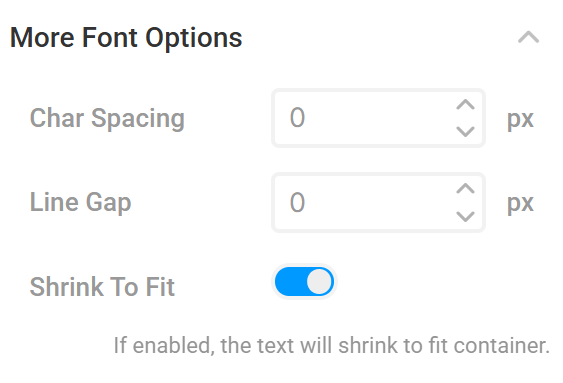
Long personalized values no longer overflow or get clipped. Turn on Shrink to Fit for any text layer and the renderer automatically scales the type down until the complete value fits inside the box you designed — so names, offers, product descriptions, and other unpredictable data always render in full.
Style Personalized Text Inline
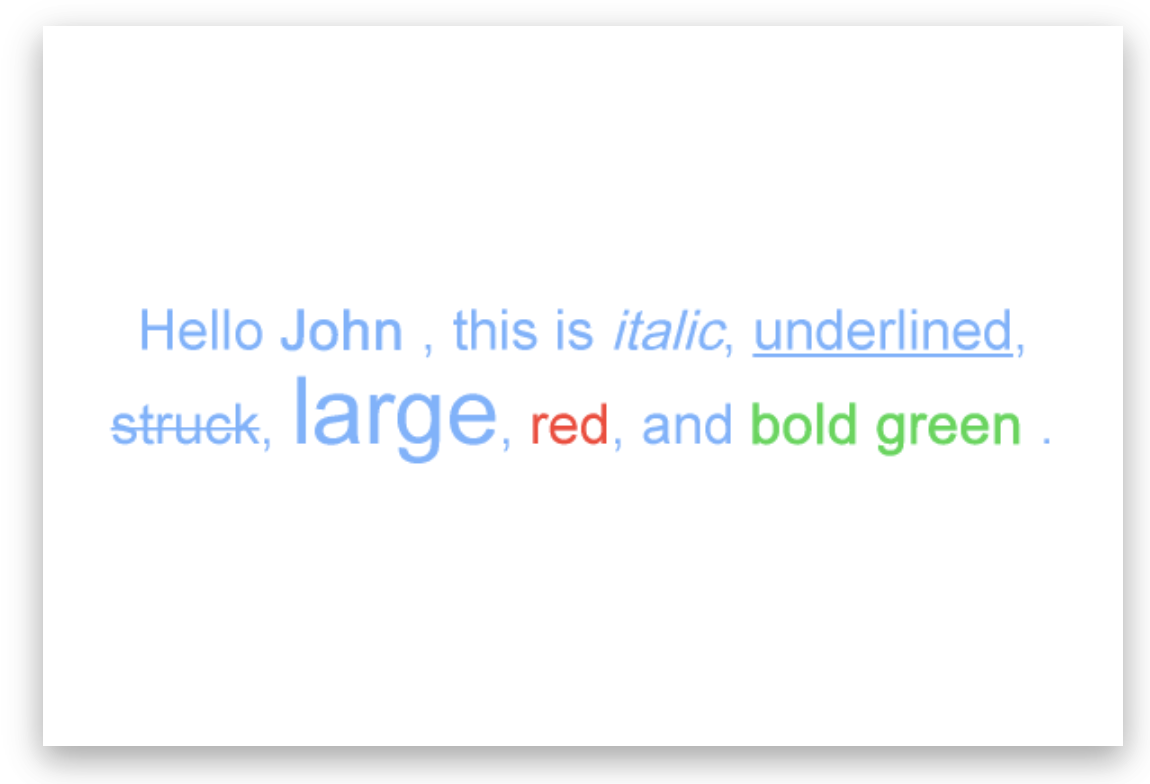
Add emphasis exactly where it matters without creating and aligning extra text layers. Lightweight formatting tags let names, offers, prices, deadlines, and other dynamic values use their own styling while the copy still wraps and aligns as one text block.
<b> or <strong> for bold, <i> or <em> for italic, and <u> for underline
<s>, <strike>, or <del>, plus custom sizes and colors with <size=52> and <color=#FF0000>
Hello <b><color=#32D74B>[FirstName]</color></b>
Braze Integration
NiftyImages now connects directly to Braze so your team can move from creative to campaign-ready content blocks without copy-paste steps. Connect one or more Braze workspaces using a REST API key and regional instance, pull Braze personalization fields into the merge-tag picker, and send finished NiftyImages into Braze as reusable Content Blocks.
HubSpot Integration
NiftyImages now plugs directly into HubSpot through a guided OAuth connection. Bring HubSpot contact fields into your merge-tag workflow, then publish finished NiftyImages to HubSpot as reusable Custom Modules so your team can launch faster without rebuilding creative blocks in multiple places.

Klaviyo Integration
A native, two-way connection between NiftyImages and Klaviyo. Link your accounts with a secure OAuth flow — no API keys to manage — then pull Klaviyo merge tags straight into the NiftyImages editor and push finished images back into Klaviyo as Universal Content blocks in a single click. Connect multiple Klaviyo accounts under one NiftyImages login for agency workflows.

Count Up Mode
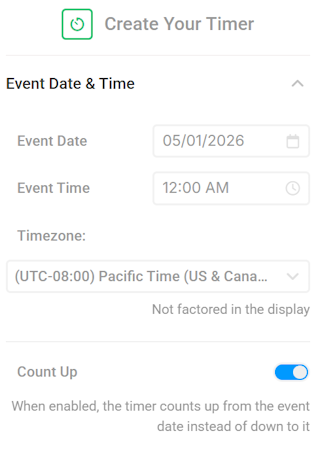
Timer Studio now counts up from a start date as well as down to a deadline. Flip a single Count Up toggle in the Event Date & Time panel and the entire timer switches direction — same canvas, same animations, same personalization, new story. Build time-since-launch banners, customer anniversaries, milestone counters, and "shipped X minutes ago" creatives without maintaining separate templates.
Studio Maps
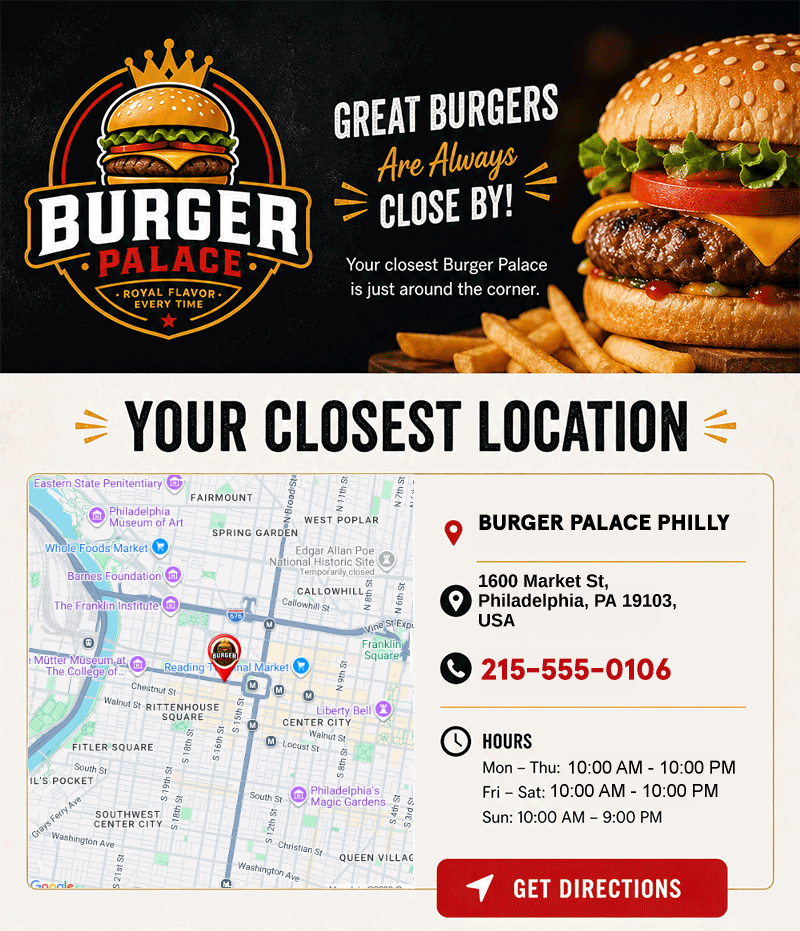
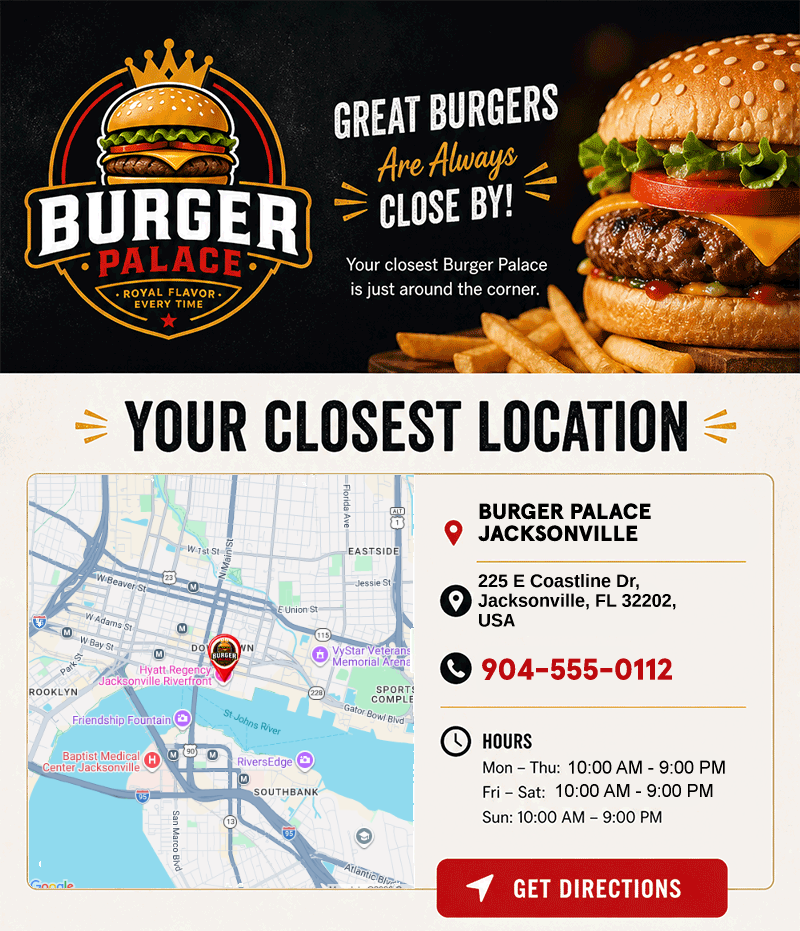
Maps are now a full location-aware personalization layer — not just a rendered map image. Import any custom CSV columns alongside each location, drop map-bound text and image elements onto the Studio canvas, and target your creatives with new map-aware Rule Set conditions. One import powers the map, the surrounding copy, and the targeting logic.
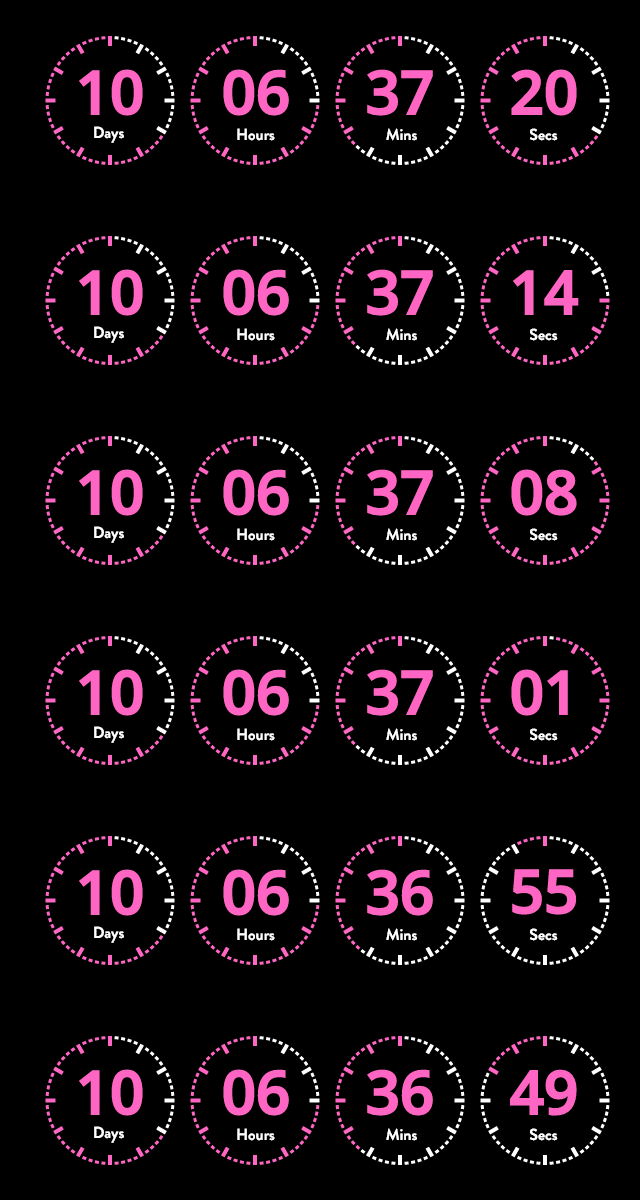
Countdown timers, reimagined
Timer Studio replaces the old timer builder with a full design canvas. Drag and drop text, images, shapes, and time components. Layer them, animate them, and position them exactly where you want. Build countdown creatives that match your brand — not a generic widget.
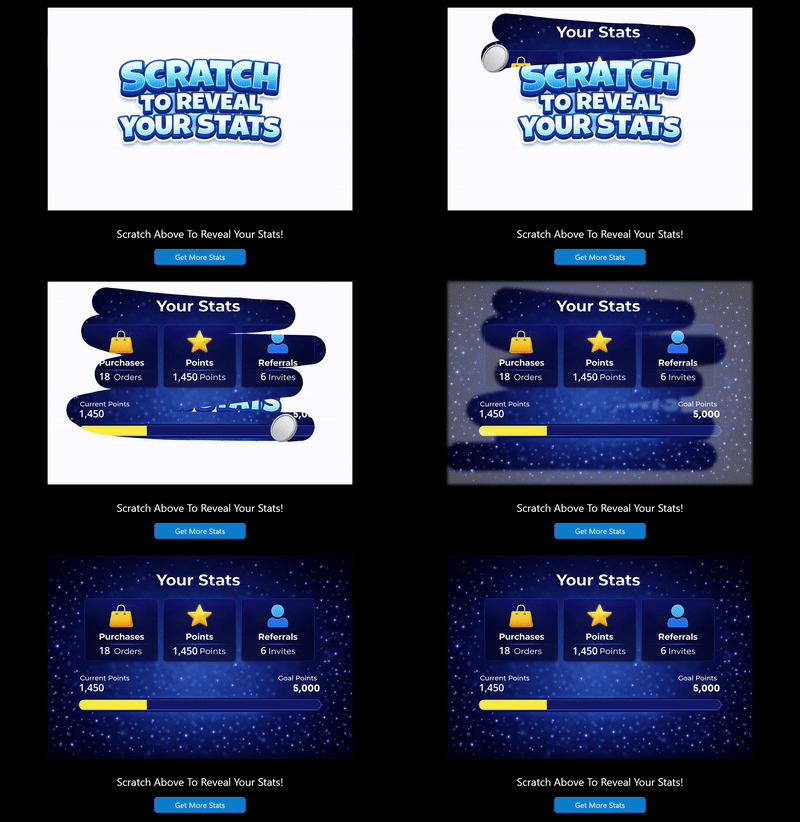
Gamify your emails with scratch-to-reveal
A brand new feature type. Create interactive scratch-off landing pages that reveal personalized offers, rewards, or surprises. Hosted by NiftyImages, optimized for mobile, and linked from any email with a simple URL.
Cleaner. Faster. Everywhere.
The entire NiftyImages UI has been rebuilt from the ground up.
Significantly faster
Pages load faster, editors respond instantly, and the entire workflow feels snappier. Less waiting, more creating.
Cleaner layout
Simplified navigation, less visual clutter, and a modern design language that puts your content front and center.
Streamlined workflows
Fewer clicks to get things done. Create, customize, and deploy dynamic content faster than ever before.
Live Social-Proof Counters in Email
Every click (or open) bumps a live engagement counter in your email image — and everyone who opens afterward sees the bigger number. “1,501 people are loving this” grows with the audience, so social proof builds itself after the send goes out. Built on the Studio canvas: the Signal Counter is one layer in a fully designed creative, not a fixed badge.
signal_key— new value per campaign, or a product merge tag for per-item counts across a catalognuidparameter — no extra setting required